Manual control with virtual joystick
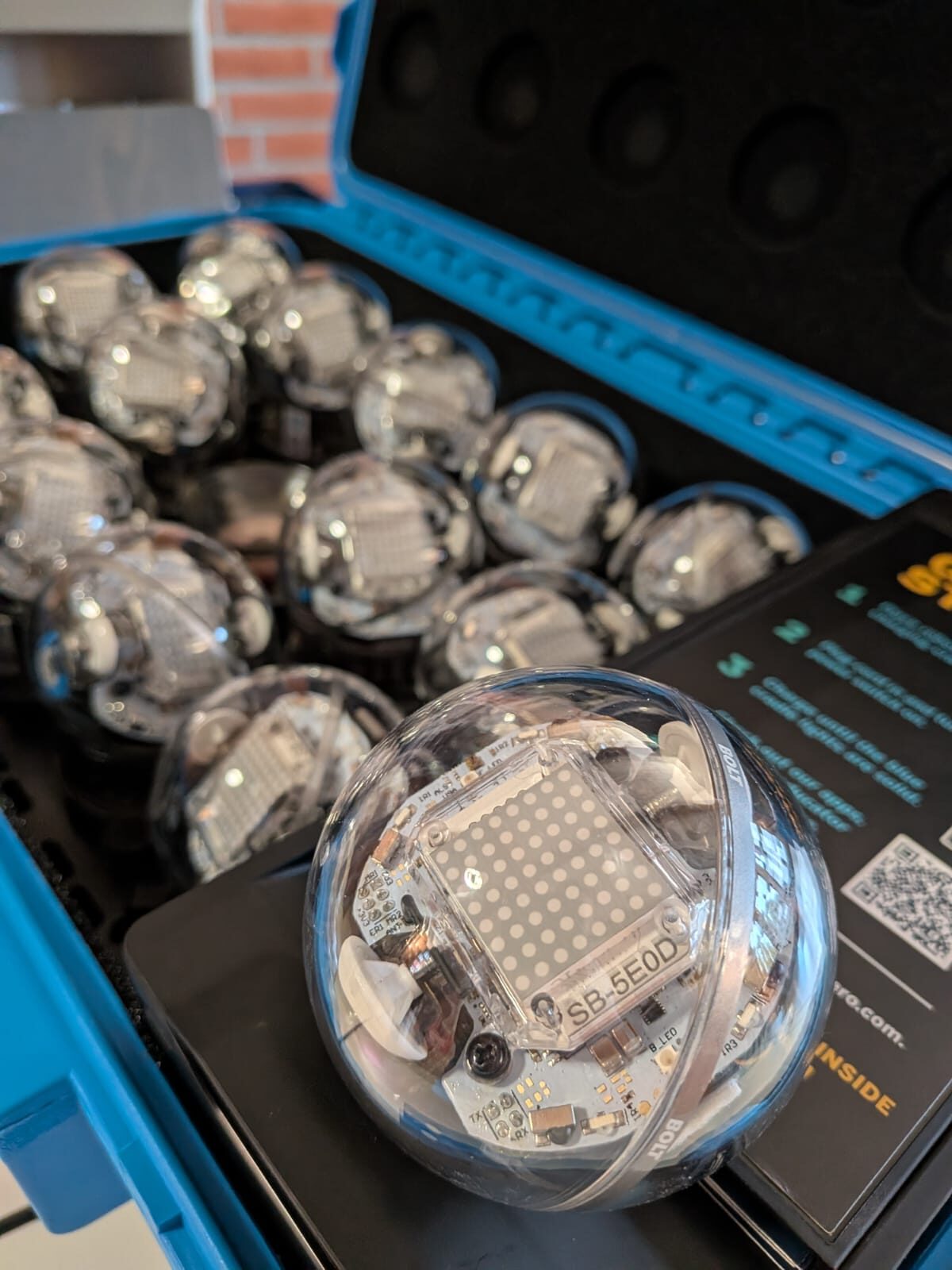
Each Sphero Bolt can be controlled remotely via a paired smartphone or tablet. The color and brightness of the lights, orientation of the robot and driving speed can also be adjusted directly in the app. Due to the inertia of the Spheros, precise control, e.g. through an obstacle course, is a challenge even for adults.
Following pre-drawn patterns
In the accompanying app, you can also use your finger to define paths on a drawing surface for the Sphero to follow. For example, a triangle or a circle can be traced.
Programming with logic blocks
Logic blocks can be used to program movements precisely and comprehensibly. It is also possible to incorporate conditions. For example, the Sphero can change direction when driving against an obstacle and thus avoid obstacles.
Programming via Python or JavaScript
Programming with one of the aforementioned programming languages opens up even more application possibilities for the Sphero. These range from exploring the surroundings to a game of tag between two or more of the spherical robots.